
Magical papercraft with SHIRYU
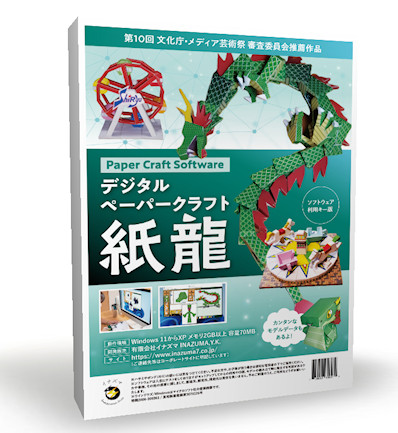
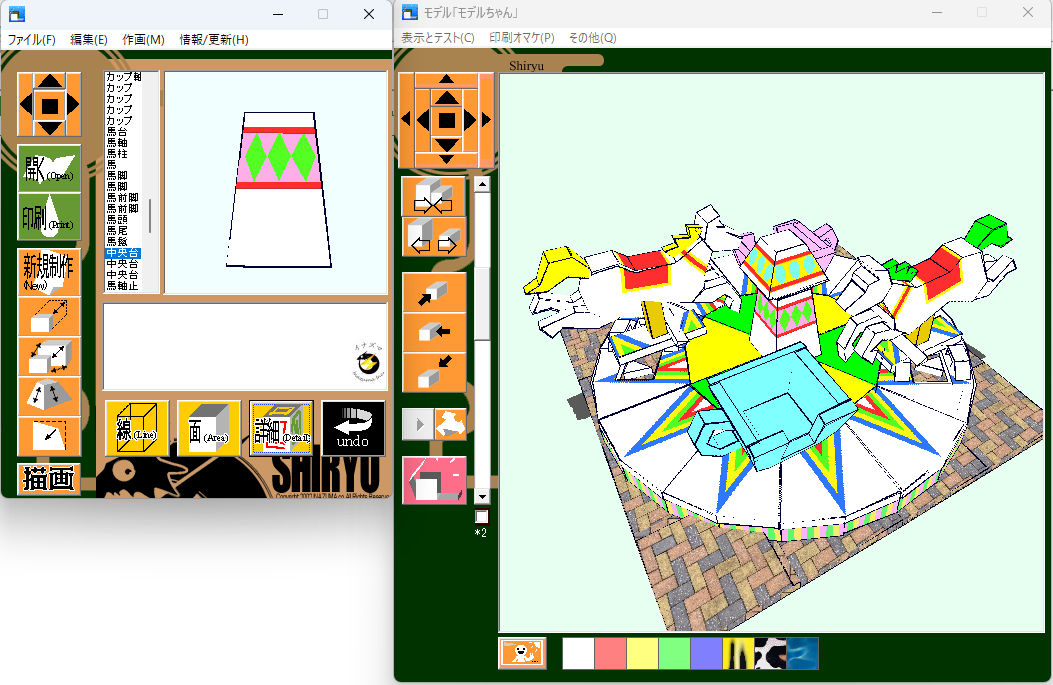
SHIRYU is a digital papercraft studio created by Inazuma Inc. Even upper-elementary students can design, print, and assemble original 3D papercraft models with just a few clicks.
Recommended by the Japan Media Arts Festival as a pioneering digital papercraft tool that connects 3D CG, printing, and hands-on making.
* The English digital edition is sold on itch.io (around 800 JPY). Japanese editions and tools are available separately on BOOTH.
What is SHIRYU?
SHIRYU (“紙龍”) is a digital papercraft software that links 3D CG, printing, and physical craft. It was created as both a creative toy and an educational tool for STEM / STEAM-style learning.
Easy to start
Start from simple shapes and gradually build complex models. The interface is simple enough for 4th-grade students and up.
The book and tutorials walk you through the process step by step, so families and educators can use it right away.
Educational value
Papercraft helps develop fine motor skills, spatial awareness, and creativity. SHIRYU adds digital modeling and basic 3D thinking on top of that.
It is ideal for makerspaces, after-school programs, and STEM / STEAM workshops.
From parts to moving models
SHIRYU supports not only static models but also moving / articulated papercraft designs.
You can design your own dragons, merry-go-rounds, mechanical toys, and more, then print and assemble them at home.
Key features
SHIRYU is designed to take you from “idea” to “printed template” with as few steps as possible.
- Click-based 3D modeling with automatic layout generation
- Supports moving / articulated papercraft models
- Texture mapping with JPEG images
- Clipboard and copy functions to speed up design work
- GIF animation export and image output for SNS
- Experimental output for tools such as Blender via Co-Plot style export
Some advanced / legacy features (for CD-ROM editions) are documented in Japanese only on the original site.
System requirements
- OS: Windows 10 / 11
- Memory: 2 GB or more
- Storage: about 70 MB free space
- Display: 800 × 600 pixels or higher
- Printer: required for printing templates
For best results, we recommend slightly thicker paper. Many postcard-compatible inkjet printers can handle it.
Gallery & sample works
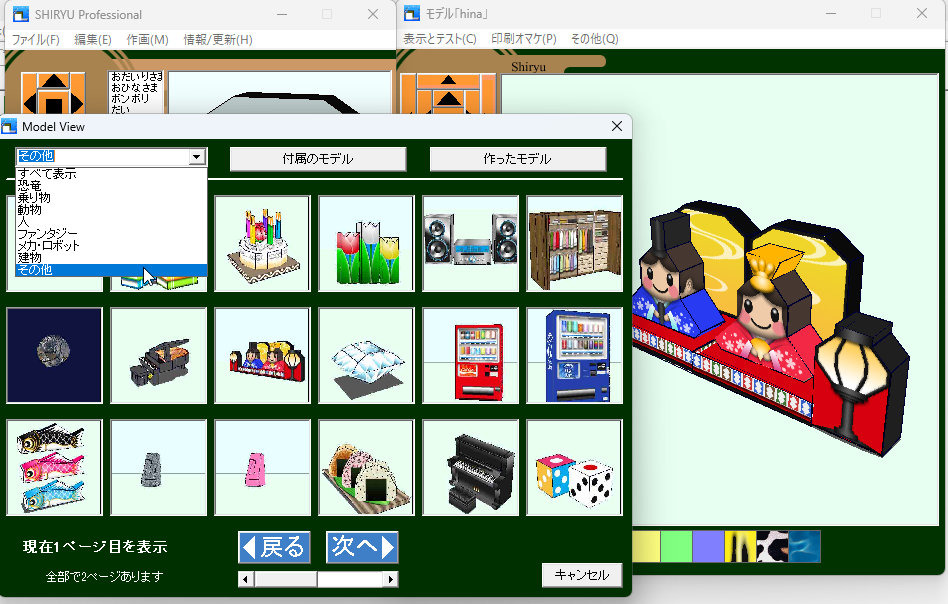
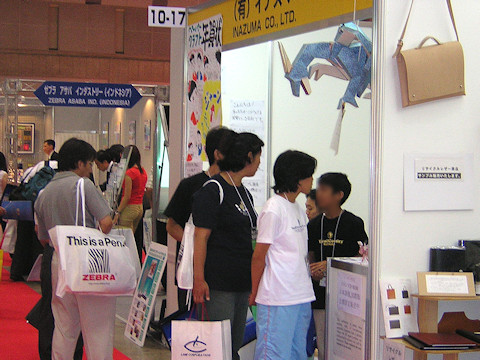
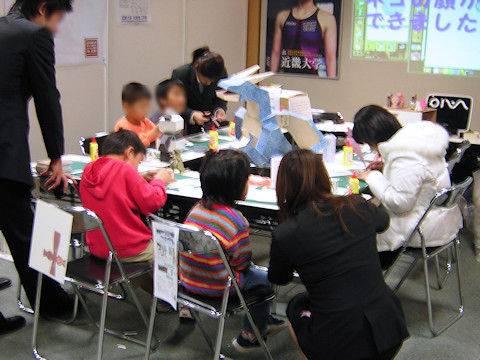
These images are taken from the original SHIRYU site and show actual models and screenshots created with the software.
Downloads & store links
Get the English digital edition on itch.io, and find Japanese editions and tools on BOOTH and other platforms.
English digital edition (itch.io)
The English digital edition of SHIRYU is available on itch.io:
digital-papercraft-shiryu · itch.io
Square · square.link (Digital payment)
Download for Windows (zip). The store page and description are in English.
Japanese editions & tools (BOOTH)
Japanese editions, experimental builds, and tools (including the CD-ROM 1.0.x free update tool) are provided on the Inazuma7 BOOTH store .
All descriptions are in Japanese. Please check each item carefully before purchase or download.
Books & related products
- “The Secrets of Digital Papercraft: SHIRYU” (book)
- Vector PC Shop – SHIRYU (PC download, Japanese)
- SUZURI – goods & merch
- Official EC store (JP)
These links mainly target the Japanese market, but overseas users may still be able to order depending on each service.